> For the complete documentation index, see [llms.txt](https://docs.ilert.com/llms.txt). Markdown versions of documentation pages are available by appending `.md` to page URLs; this page is available as [Markdown](https://docs.ilert.com/integrations/inbound-integrations/sophos.md).

# Sophos Central Integration

Poll the Sophos Central SIEM API with ilagent and turn Sophos endpoint alerts into ilert alerts that notify on-call teams.

[Sophos Central](https://www.sophos.com/en-us/products/sophos-central) is the cloud console that manages Sophos endpoint, server, and firewall protection and collects the alerts they raise, such as malware detections, blocked threats, and tamper attempts. Integrating Sophos Central with ilert routes those alerts to the right on-call team through SMS, phone calls, and push notifications.

Sophos Central has no webhook for this. Instead, the pull connector of [ilagent](https://github.com/iLert/docs/tree/master/product-docs/ilagent.md) polls the Sophos SIEM API, turns each Sophos alert into an ilert event, and sends it to your alert source:

```
Sophos Central SIEM API  ◄── polls every 60s ──  ilagent  ── events ──►  ilert
```

Before you start, you need:

* admin access to Sophos Central
* permission to create alert sources in ilert
* an always-on host that can reach `*.sophos.com` and `api.ilert.com`, with Docker or the ilagent binary installed

{% hint style="info" %}
The pull connector requires ilagent **0.12.0** or later. Check with `ilagent --version`.
{% endhint %}

## In ilert: Create a Sophos alert source

1. Go to **Alert sources** → **Alert sources** and click **Create new alert source**.
2. Search for **Sophos** in the search field, click the Sophos tile, and click **Next**.
3. Give your alert source a name such as `Sophos Central`, optionally assign teams, and click **Next**.
4. Select an **escalation policy** by creating a new one or assigning an existing one.
5. Select your [alert grouping](/alerting/configure-alerting/alert-sources.md#event-grouping) preference and click **Continue setup**. You may click **Do not group alerts** for now and change it later.
6. The next page shows additional settings, such as custom alert templates or notification priority. Click **Finish setup** for now.
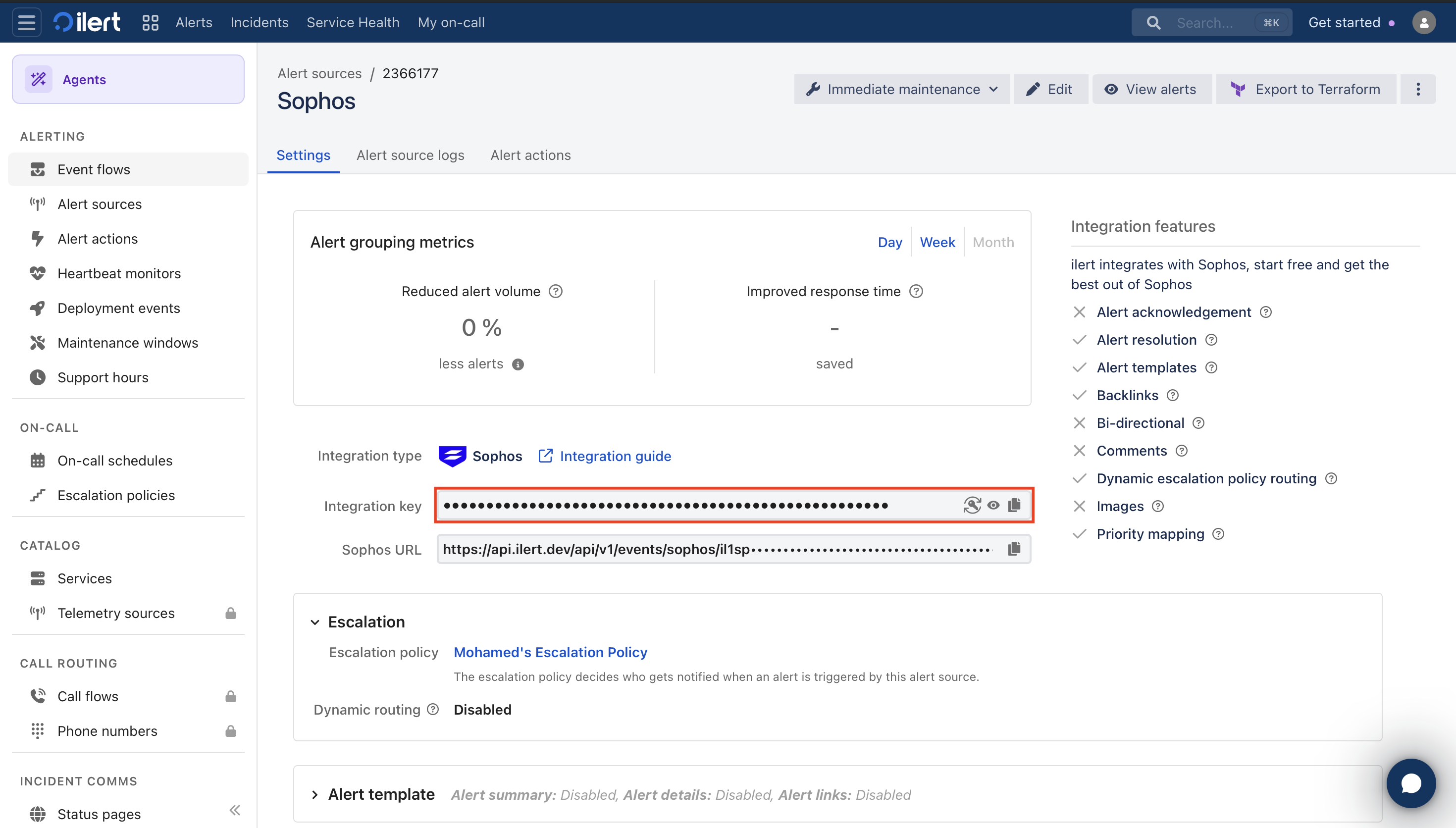
7. On the final page, copy the **Integration key**. You pass it to ilagent as `--event_key`. ilagent does not use the **Sophos URL** shown below it.

   <figure><img src="https://3394882078-files.gitbook.io/~/files/v0/b/gitbook-x-prod.appspot.com/o/spaces%2F-M76ygPnS4HUcFSX8ulm%2Fuploads%2Fgit-blob-db6bb05eaaa7c229ecce452a9e855b1a7bdd8ae4%2Fsophos-01-ilert-alert-source-url.png?alt=media" alt="The Settings tab of a Sophos alert source in ilert, showing the integration type Sophos, the masked integration key with a copy button, and the masked Sophos URL"><figcaption><p>Copy the <strong>Integration key</strong> from the <strong>Settings</strong> tab of the alert source</p></figcaption></figure>

{% hint style="warning" %}
Treat the integration key like a password. Anyone who has it can create alerts in your account.
{% endhint %}

## In Sophos Central: Create API credentials

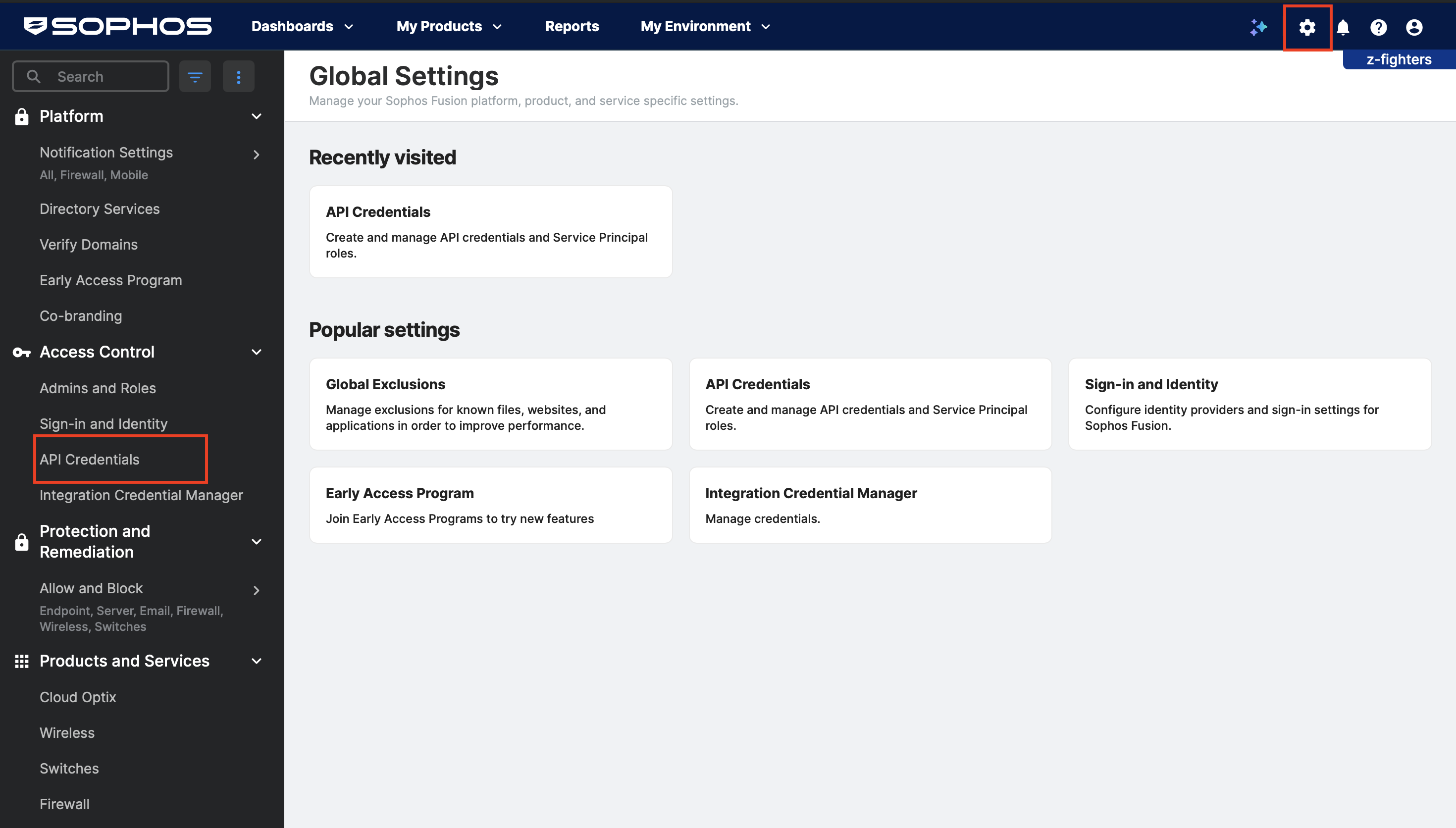
1. Click the gear icon in the top bar to open **Global Settings**, then go to **Access Control** → **API Credentials**.

   <figure><img src="https://3394882078-files.gitbook.io/~/files/v0/b/gitbook-x-prod.appspot.com/o/spaces%2F-M76ygPnS4HUcFSX8ulm%2Fuploads%2Fgit-blob-feaae4c4c590df89c69d24e79e63bd234b479d2d%2Fsophos-02-settings-api.png?alt=media" alt="Sophos Central Global Settings with the gear icon in the top bar and API Credentials under Access Control in the sidebar highlighted"><figcaption><p><strong>API Credentials</strong> is under <strong>Access Control</strong> in <strong>Global Settings</strong></p></figcaption></figure>
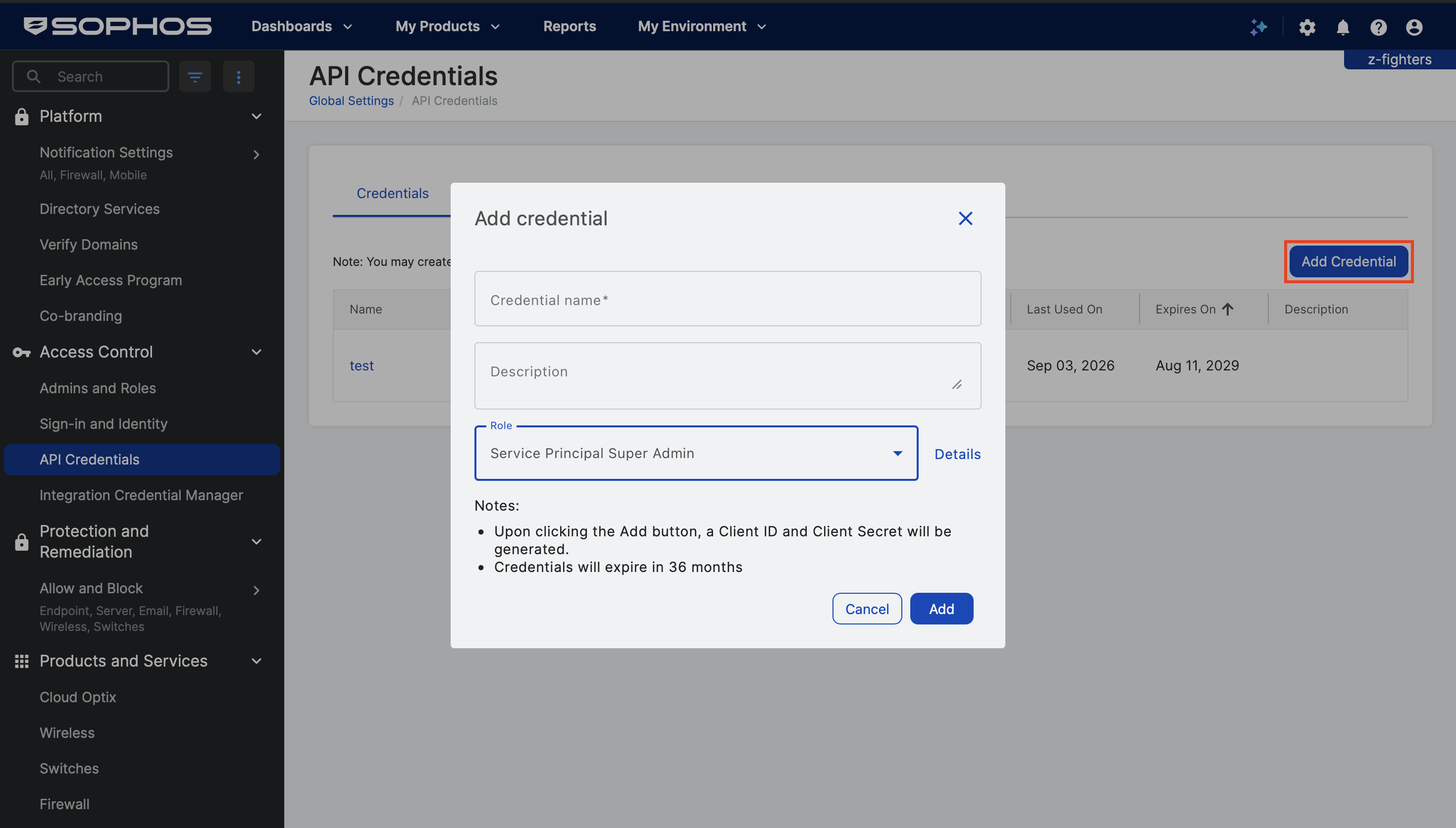
2. Click **Add Credential**. Enter `ilagent` as the **Credential name**, set **Role** to **Service Principal Read-Only**, and click **Add**. ilagent only reads from Sophos, so it needs no broader role.

   <figure><img src="https://3394882078-files.gitbook.io/~/files/v0/b/gitbook-x-prod.appspot.com/o/spaces%2F-M76ygPnS4HUcFSX8ulm%2Fuploads%2Fgit-blob-7f9ca275ce86d168778956900a25824cffbff067%2Fsophos-03-add-credential.png?alt=media" alt="The Add credential dialog in Sophos Central with fields for Credential name, Description, and Role, and the Add button"><figcaption><p>Set <strong>Role</strong> to <strong>Service Principal Read-Only</strong>, not the <strong>Service Principal Super Admin</strong> shown here</p></figcaption></figure>
3. Copy the **Client ID** and the **Client Secret**. Sophos displays the secret only once.

{% hint style="info" %}
Sophos API credentials expire after 36 months. When yours expires, create a new credential and restart ilagent with the new client ID and secret.
{% endhint %}

## On any machine: Look up your tenant ID and region host

Sophos serves each tenant from a regional host, and every SIEM request needs your tenant ID. Neither changes, so you look them up once. Run this anywhere `curl` and `jq` are installed:

```bash
CID='YOUR_CLIENT_ID'
SECRET='YOUR_CLIENT_SECRET'

TOKEN=$(curl -s -X POST https://id.sophos.com/api/v2/oauth2/token \
  -d "grant_type=client_credentials&scope=token&client_id=$CID&client_secret=$SECRET" \
  | jq -r .access_token)

curl -s -H "Authorization: Bearer $TOKEN" https://api.central.sophos.com/whoami/v1 | jq
```

The response looks like this:

```json
{
  "id": "1a2b3c4d-...",
  "idType": "tenant",
  "apiHosts": {
    "global": "https://api.central.sophos.com",
    "dataRegion": "https://api-eu01.central.sophos.com"
  }
}
```

Note down `id`, which is your **tenant ID**, and `apiHosts.dataRegion`, which is your **region host**. If `TOKEN` is `null`, the client ID or secret is wrong.

{% hint style="info" %}
If `idType` is `partner` or `organization` rather than `tenant`, the credential covers several tenants. This guide covers a single tenant, so create the credential inside the tenant you want to monitor instead.
{% endhint %}

## On the host: Run ilagent

Replace `YOUR_CLIENT_ID`, `YOUR_CLIENT_SECRET`, `YOUR_TENANT_ID`, `YOUR_REGION_HOST`, and `YOUR_INTEGRATION_KEY`, then start the agent.

{% tabs %}
{% tab title="Docker (recommended)" %}

```bash
docker run -d --name ilagent-sophos --restart unless-stopped \
  -v ilagent-sophos:/data \
  -p 8977:8977 \
  -e ILERT_PULL_CLIENT_SECRET='YOUR_CLIENT_SECRET' \
  ilert/ilagent daemon -v -v \
  --file /data/ilagent.db3 \
  --port 8977 \
  --max_retries 0 \
  --pull_url 'YOUR_REGION_HOST/siem/v1/alerts?limit=1000' \
  --pull_name sophos-alerts \
  --pull_interval 60 \
  --pull_header 'X-Tenant-ID=YOUR_TENANT_ID' \
  --pull_items_path items \
  --pull_auth oauth2 \
  --pull_token_url https://id.sophos.com/api/v2/oauth2/token \
  --pull_client_id 'YOUR_CLIENT_ID' \
  --pull_scope token \
  --pull_cursor_mode token \
  --pull_cursor_path next_cursor \
  --pull_cursor_param cursor \
  --pull_dedup_key id \
  --event_key 'YOUR_INTEGRATION_KEY' \
  --map_key_summary description \
  --map_key_alert_key id \
  --map_key_severity severity \
  --map_val_severity 'critical=1' \
  --map_val_severity 'high=2' \
  --map_val_severity 'medium=3' \
  --map_val_severity 'low=4' \
  --forward_message_payload \
  --label 'source=sophos'
```

{% hint style="warning" %}
Keep the volume. It holds ilagent's SQLite database: the position in the Sophos feed, the IDs of alerts already sent, and any events still waiting for delivery. Without the volume, every container restart loses all three.
{% endhint %}
{% endtab %}

{% tab title="Binary" %}

```bash
ILERT_PULL_CLIENT_SECRET='YOUR_CLIENT_SECRET' ilagent daemon -v -v \
  --file /var/lib/ilagent/ilagent.db3 \
  --port 8977 \
  --max_retries 0 \
  --pull_url 'YOUR_REGION_HOST/siem/v1/alerts?limit=1000' \
  --pull_name sophos-alerts \
  --pull_interval 60 \
  --pull_header 'X-Tenant-ID=YOUR_TENANT_ID' \
  --pull_items_path items \
  --pull_auth oauth2 \
  --pull_token_url https://id.sophos.com/api/v2/oauth2/token \
  --pull_client_id 'YOUR_CLIENT_ID' \
  --pull_scope token \
  --pull_cursor_mode token \
  --pull_cursor_path next_cursor \
  --pull_cursor_param cursor \
  --pull_dedup_key id \
  --event_key 'YOUR_INTEGRATION_KEY' \
  --map_key_summary description \
  --map_key_alert_key id \
  --map_key_severity severity \
  --map_val_severity 'critical=1' \
  --map_val_severity 'high=2' \
  --map_val_severity 'medium=3' \
  --map_val_severity 'low=4' \
  --forward_message_payload \
  --label 'source=sophos'
```

Run it under systemd or another supervisor so that it restarts after a failure or a reboot.
{% endtab %}
{% endtabs %}

Both variants pass the client secret in the `ILERT_PULL_CLIENT_SECRET` environment variable rather than as a flag, so it stays out of the process list.

| Flag                                                                                       | What it does                                                                                                                                                                                |
| ------------------------------------------------------------------------------------------ | ------------------------------------------------------------------------------------------------------------------------------------------------------------------------------------------- |
| `-v -v`                                                                                    | Logs at info level, so you see a line whenever new Sophos alerts are queued. With one `-v` or none, ilagent logs only warnings and errors.                                                  |
| `--max_retries 0`                                                                          | Retries undelivered events until ilert accepts them. The default of `100` drops an event after about 100 failed attempts, which an ilert or network outage of roughly 1.5 hours can use up. |
| `--pull_url …/siem/v1/alerts?limit=1000`                                                   | Polls the Sophos alerts feed, up to 1000 alerts per page.                                                                                                                                   |
| `--pull_name sophos-alerts`                                                                | Names this source in ilagent's database. Do not change it later, or ilagent loses its place in the feed.                                                                                    |
| `--pull_header X-Tenant-ID=…`                                                              | Sends the tenant ID, which Sophos requires on every request.                                                                                                                                |
| `--pull_auth oauth2`, `--pull_token_url`, `--pull_client_id`, `--pull_scope token`         | Logs in with the API credential. ilagent renews the token automatically.                                                                                                                    |
| `--pull_cursor_mode token`, `--pull_cursor_path next_cursor`, `--pull_cursor_param cursor` | Sophos returns a `next_cursor` with each page. ilagent stores it and sends it back, so each poll fetches only new alerts.                                                                   |
| `--pull_dedup_key id`                                                                      | Remembers Sophos alert IDs for 7 days, so no Sophos alert is sent twice.                                                                                                                    |
| `--map_key_summary description`                                                            | Uses the Sophos alert description as the ilert alert summary.                                                                                                                               |
| `--map_key_alert_key id`                                                                   | Sets the alert key. ilert groups events that share an alert key into one alert.                                                                                                             |
| `--map_key_severity`, `--map_val_severity`                                                 | Translates the Sophos severity words to ilert's `1` to `5`.                                                                                                                                 |
| `--forward_message_payload`                                                                | Copies the full Sophos alert, including type, endpoint, threat, and file path, into the custom details of the ilert alert.                                                                  |
| `--label source=sophos`                                                                    | Adds a `source=sophos` label to every event, for filtering and routing in ilert.                                                                                                            |

For every flag the pull connector supports, see the [pull connector reference](https://github.com/iLert/ilagent/blob/master/docs/pull.md).

{% hint style="warning" %}
Run one agent per Sophos feed. Two agents polling the same feed both send an event for every Sophos alert.
{% endhint %}

## Verify the integration

1. Follow the logs:

   ```bash
   docker logs -f ilagent-sophos
   ```

   The agent starts without errors. Whenever a poll finds new Sophos alerts, it logs `Pull source 'sophos-alerts' enqueued N events`. Polls that find nothing new log nothing; to log every poll, use `-v -v -v` instead of `-v -v`.
2. Check the health endpoint. It returns `204 No Content` once a poll has succeeded. Until then, or after a failed poll, it returns `503` with a body such as `{"component":"pull","polling":true,"error":"..."}`. The `error` field is empty before the first poll finishes.

   ```bash
   curl -i http://localhost:8977/ready
   ```
3. Trigger a real alert. On a machine protected by Sophos, download the [EICAR test file](https://www.eicar.org/download-anti-malware-testfile/). It is harmless, and every antivirus product detects it as malware. Within a few minutes, an alert appears in Sophos Central and then in ilert, with the `source=sophos` label and the full Sophos record in its custom details.

{% hint style="info" %}
On its first poll, ilagent picks up every alert that Sophos still serves, which covers roughly the last 24 hours. If your tenant had recent alerts, expect a burst of them in ilert right away.
{% endhint %}

## Troubleshooting

| Log message                                        | Cause and fix                                                                                                   |
| -------------------------------------------------- | --------------------------------------------------------------------------------------------------------------- |
| `oauth token request returned status 400` or `401` | Wrong client ID or secret, or the credential was deleted or has expired in Sophos Central. Create a new one.    |
| `unauthorized (401) — check pull credentials`      | Sophos rejected the token for this tenant. Check the tenant ID and region host: look them up again and compare. |
| `pull request returned status 403`                 | Wrong region host or tenant ID. Look them up again and compare.                                                 |
| `pull request returned status 400` after downtime  | The stored cursor has expired. See [Reset the cursor after downtime](#reset-the-cursor-after-downtime).         |
| `pull request returned status 429`                 | Sophos is rate limiting the agent. Raise `--pull_interval`.                                                     |
| Alerts reach ilert without a severity              | Sophos sent a severity word the mapping does not cover. Add another `--map_val_severity`.                       |
| Nothing in ilert, no errors in the logs            | There were no new Sophos alerts. Trigger one with the EICAR test file.                                          |

### Reset the cursor after downtime

Sophos cursors stay valid for about 24 hours. If the agent was stopped for longer, every poll then fails with `pull request returned status 400`. Clear the stored cursor and restart the agent. Alerts that ilagent already sent are not sent again, because the dedup IDs are kept:

```bash
docker stop ilagent-sophos
docker run --rm -v ilagent-sophos:/data alpine sh -c \
  "apk add -q sqlite && sqlite3 /data/ilagent.db3 \"DELETE FROM ilagent WHERE key='pull_cursor:sophos-alerts'\""
docker start ilagent-sophos
```

## FAQ

### Will alerts in ilert be resolved automatically?

No. The Sophos SIEM feed carries new alerts, not their closure, so ilagent never sends a resolve event. Resolve the alert in ilert once it is handled in Sophos Central.

### Will alerts in ilert be accepted automatically?

No. Sophos has no acknowledged state that ilagent could forward.

### What happens if ilert cannot be reached?

ilagent keeps undelivered events in its local database and retries them, backing off to one attempt per minute. With `--max_retries 0`, as in the commands above, it retries until ilert accepts them. Without it, ilagent drops an event after 100 failed attempts. The queue lives in the SQLite database, which is why the Docker volume matters.

While more than 5000 events wait for delivery, ilagent skips its Sophos polls. If ilert stays unreachable for more than about 24 hours, the stored cursor expires, and you need to [reset the cursor](#reset-the-cursor-after-downtime) once ilert is back.

### Can I forward Sophos events as well as alerts?

Yes. Sophos also has an events feed, `/siem/v1/events`, with much more detail, such as update successes and policy changes. It is usually too noisy to page on. To forward it, run a second agent with its own volume, a different `--pull_name` such as `sophos-events`, and `--map_key_summary name`. Add `--filter_key type` and `--filter_val` with the one Sophos event type you want to page on. The filter matches a single value, so forwarding several event types takes one agent per type.

### Can I reduce the number of alerts that reach ilert?

Yes, either in ilagent or in ilert. `--filter_key` and `--filter_val` make ilagent send only the Sophos alerts whose top-level field equals exactly one value, and drop all others. For example, `--filter_key severity --filter_val high` sends only high-severity alerts. The filter cannot exclude specific alerts or match several values. In ilert, [event grouping](/alerting/configure-alerting/alert-sources.md#event-grouping) and [support hours](/alerting/configure-alerting/support-hours.md) on the alert source control how many of the events turn into notifications.


---

# Agent Instructions
This documentation is published with GitBook. GitBook is the documentation platform designed so that both humans and AI agents can read, navigate, and reason over technical content effectively. Learn more at gitbook.com.

## Querying This Documentation
If you need additional information that is not directly available in this page, you can query the documentation by asking a question.

Perform an HTTP GET request on the following URL with the `ask` and `goal` query parameters:

```
GET https://docs.ilert.com/integrations/inbound-integrations/sophos.md?ask=<question>&goal=<user_goal>
```

`ask` is the immediate question: it should be specific, self-contained, and written in natural language.
`goal` is what the user is ultimately trying to achieve, the reason they need the answer. Sharing it helps GitBook give you a better, more relevant answer. A goal is most helpful when it describes the outcome the user wants rather than restating the question. For example, with `ask=how do I create an API token`, a goal like `automate deployments from our CI pipeline` lets GitBook tailor the answer to that use case.

The response will contain a direct answer to the question and relevant excerpts and sources from the documentation.

Use this mechanism when the answer is not explicitly present in the current page, you need clarification or additional context, or you want to retrieve related documentation sections.